
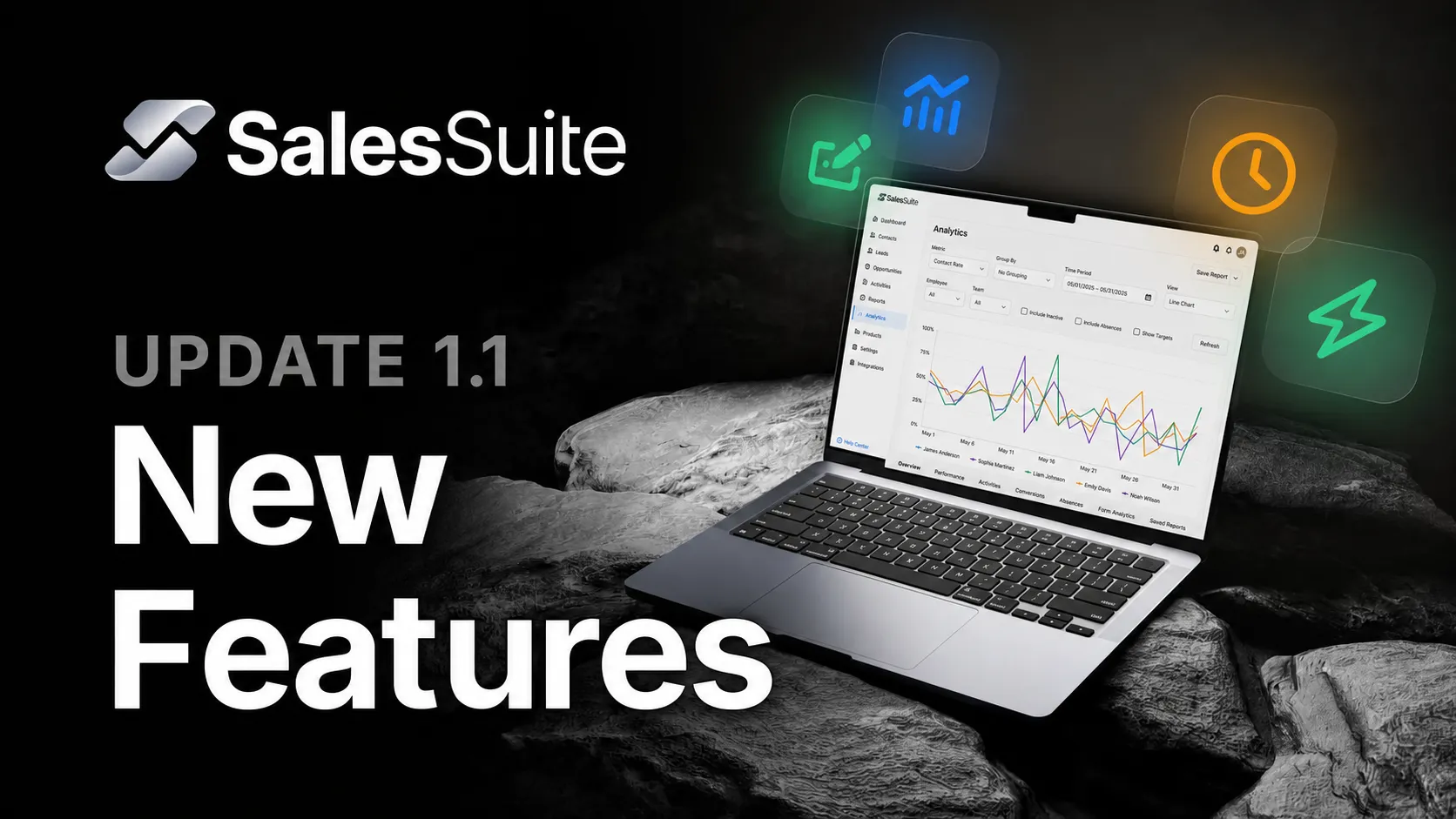
What's NEW in SalesSuite Update 1.1!
It's time for a new update from SalesSuite!
With the SalesSuite 1.1 update, you get four new features that save you a huge amount of time and give you even more transparency in your sales tracking.
We've recorded an update video to present the new features:
1. Sales Analytics: Your KPIs as clear visualizations
Under the “Reports” menu item, you will now find the new “Analytics” section.
Instead of just numbers, you can now see your sales data as clear graphs and bar charts—including trend lines. You can specify exactly:
- which metrics you want to see
- the time period
- the display format
Typical analyses you can now access in just a few clicks:
- the development of your contact rate over the week
- the exact closing rate of recent months
- performance comparisons of your employees—for example, who has the highest activity level in cold outreach
If you wish, you can even activate an hourly view and see how your team's activity is distributed throughout the day. This lets you see immediately whether work is actually being done consistently—or only in short bursts of motivation.
You can save your most important views as reports and access them again with one click. You can also set a view as the home view, which opens directly as soon as you click on “Reports.”
2. Absences: Reliable figures instead of wishful thinking
Many metrics—such as average activity level—become worthless if sick days or other absences are not taken into account during the period.
With the new “Absences” feature, you (or your managers) can record each absence in the sales team in just a few clicks. SalesSuite automatically takes these into account in the analytics.
In the analyses, you will see an icon next to the employee as soon as an absence affects the period under review. This lets you see immediately:
- have all absences been recorded?
- are the current KPIs truly reliable?
The combination of analytics + absences ensures that you manage your sales based on clean, reliable figures.
3. Action Buttons: One click, one action
In the deal view, you can now add action buttons for your sales team.
Examples of what you can trigger with one click:
- automatically send a report to the lead
- research lead data directly on LinkedIn
- start a WhatsApp chat with a pre-written message
No more copy-and-paste processes, no more manual intermediate steps—one button, one clear action.
With webhooks and external automations, you have almost unlimited possibilities here. We will be showcasing many more specific use cases in the future.
4. Form Analytics: Find hidden conversion leaks
The form tool now includes the new form analytics.
You can see:
- your form's conversion rate
- for multi-step forms: how many people reach each individual step
- at which point users drop off
This allows you to optimize your forms strategically and convert more leads step by step.
Here's an overview of the SalesSuite 1.1 update:
- Analytics – visual KPI analyses with daily and hourly views
- Absences – realistic, reliable sales metrics
- Action Buttons – one-click actions directly from the deal view
- Form Analytics – full transparency into the performance of your forms
For each new feature, you will also find relevant Help Center articles and videos in our SalesSuite Academy!